Computer Vision and Python Can Fix Warehouse Bottlenecks
Published 2026-09-07 by Faraz Rahimi
A write-up on building an image-based SKU lookup tool, an OCR label scanner, and Python automation to cut down manual operations work.
Tags: Python, Computer Vision, OpenCV, OCR, SQL, Logistics, Data Engineering, Machine Learning
A lot of warehouse time at Northline Fulfillment gets wasted on two simple problems: trying to figure out what an unlabelled item is, and manually typing shipping label info into a computer. Both slow down operations, cause typos, and turn locating physical stock into a chore.
To fix that, I built an ML-assisted computer vision lookup app, an OCR label scanner, and a series of Python automation scripts. Here is a breakdown of what I built and how it works.
1. Photo-to-SKU Lookup Tool (With Visual Feedback)
When an item is missing a clear barcode, or when office staff and non-warehouse employees visit the floor trying to locate a specific unit, they usually have to stop, dig through spreadsheets, or ask a lead.
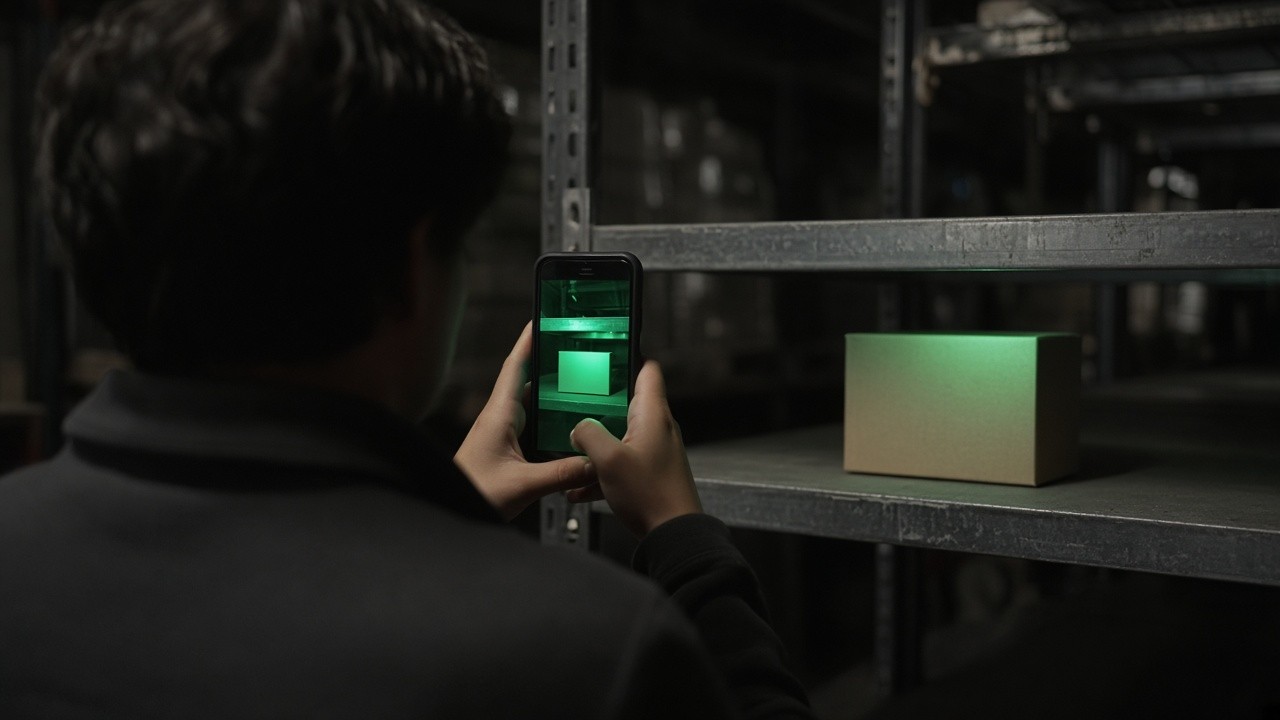
I built an app where anyone can snap a photo of an item on their phone and immediately pull up its SKU, details, and exact warehouse location based on where that unit was last scanned into the system.
> Snap a picture of the product, get the SKU and the last-scanned shelf location back instantly.
- How it works under the hood:
- Visual Matching & Location Retrieval: The app preprocesses the photo to handle warehouse lighting, extracts visual features, and matches them against the product library. Once identified, a SQL query pulls the exact bin where that item was last logged.
- Implicit Feedback (Dwell Time): If a user clicks into the suggested item and stays on the page to view details, the system registers that dwell time as implicit confirmation that the match was accurate.
- Active Feedback & Hard-Negative Mining: If a user clicks "not the correct item," the model flags that failure mode. It tracks the visual lookalikes that caused the misclassification and weights those distinctions so it won't make the same mistake next time.
2. Logistics Label Scanner (OCR)
Inbound boxes arrive with different label layouts depending on the carrier and vendor. Typing tracking numbers, PO codes, and piece counts into the system by hand was slow and led to keystroke errors.
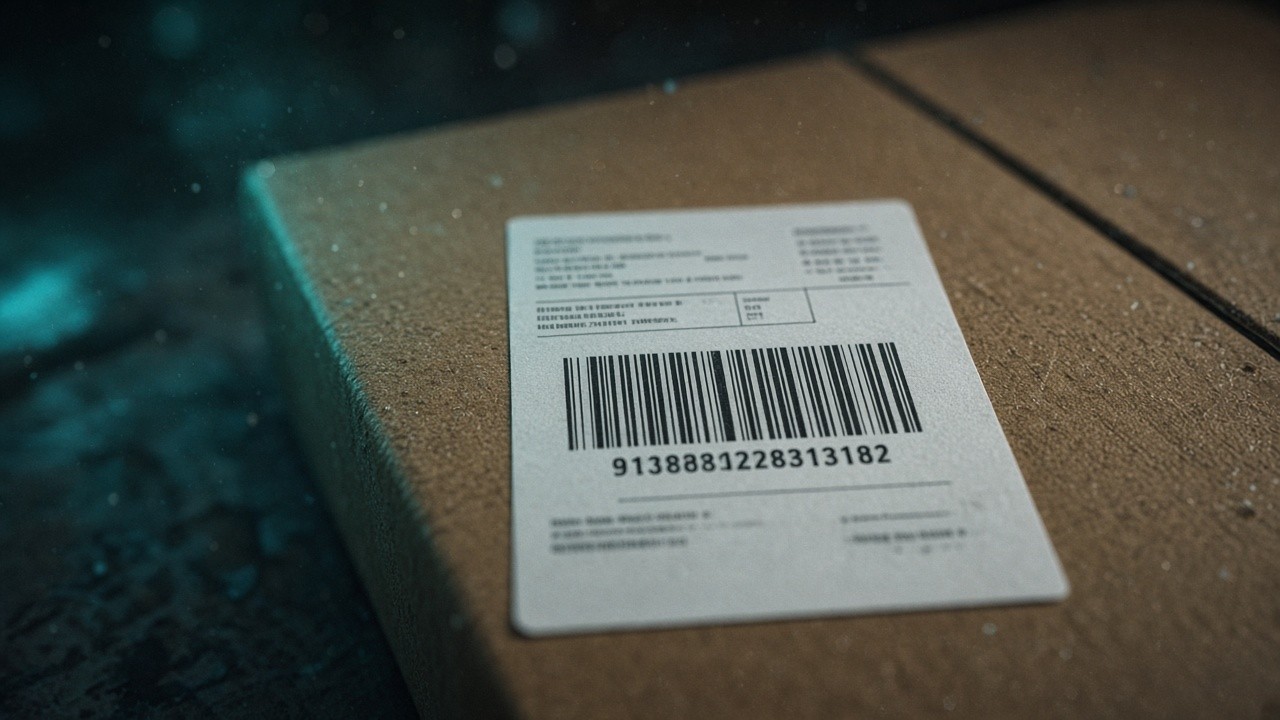
- I set up an OCR script to process labels automatically:
- Isolating Key Regions: Crops and filters regions of the label where tracking numbers, addresses, and purchase order codes typically sit.
- Reading & Validation: Runs the image through OCR, then uses regular expressions (regex) to extract strict formats like carrier tracking IDs and internal PO numbers.
- Direct Database Ingestion: Matches the extracted PO against open purchase orders and logs the receipt directly into the database without manual data entry.
3. Automating Internal Bottlenecks
Beyond image processing, daily clerical operations involved a lot of repetitive steps — exporting spreadsheets, running identical queries, and reformatting data between internal applications.
- To cut down on that busywork:
- Wrote Python scripts to handle routine data exports and status syncs between internal systems.
- Replaced repetitive SQL lookups with automated command-line utilities and scheduled scripts.
- Eliminated manual data re-keying so floor tracking and backend records stay aligned automatically.

What Actually Worked
The biggest lesson was keeping the tools frictionless for the people using them. The warehouse floor moves fast; if an app requires navigating five screens or takes ten seconds to resolve an image, people revert to spreadsheets. Designing the vision tool to learn silently in the background from natural user behavior (like staying on the page or flagging a miss) made the system better over time without adding any extra paperwork for the user.
Original post: https://farazrahimi.com/posts/computer-vision-and-python-can-fix-warehouse-bottlenecks